Managing lists of metafield values
Despite a relatively recent debut, list metafields have become a hit. This type of metafields allows for more flexible data storage, which, in turn, requires a slightly different approach to data management. That’s where Metafields Guru steps in: create or delete entire lists of values; append new items to or delete specific ones from existing lists.
Supported operations
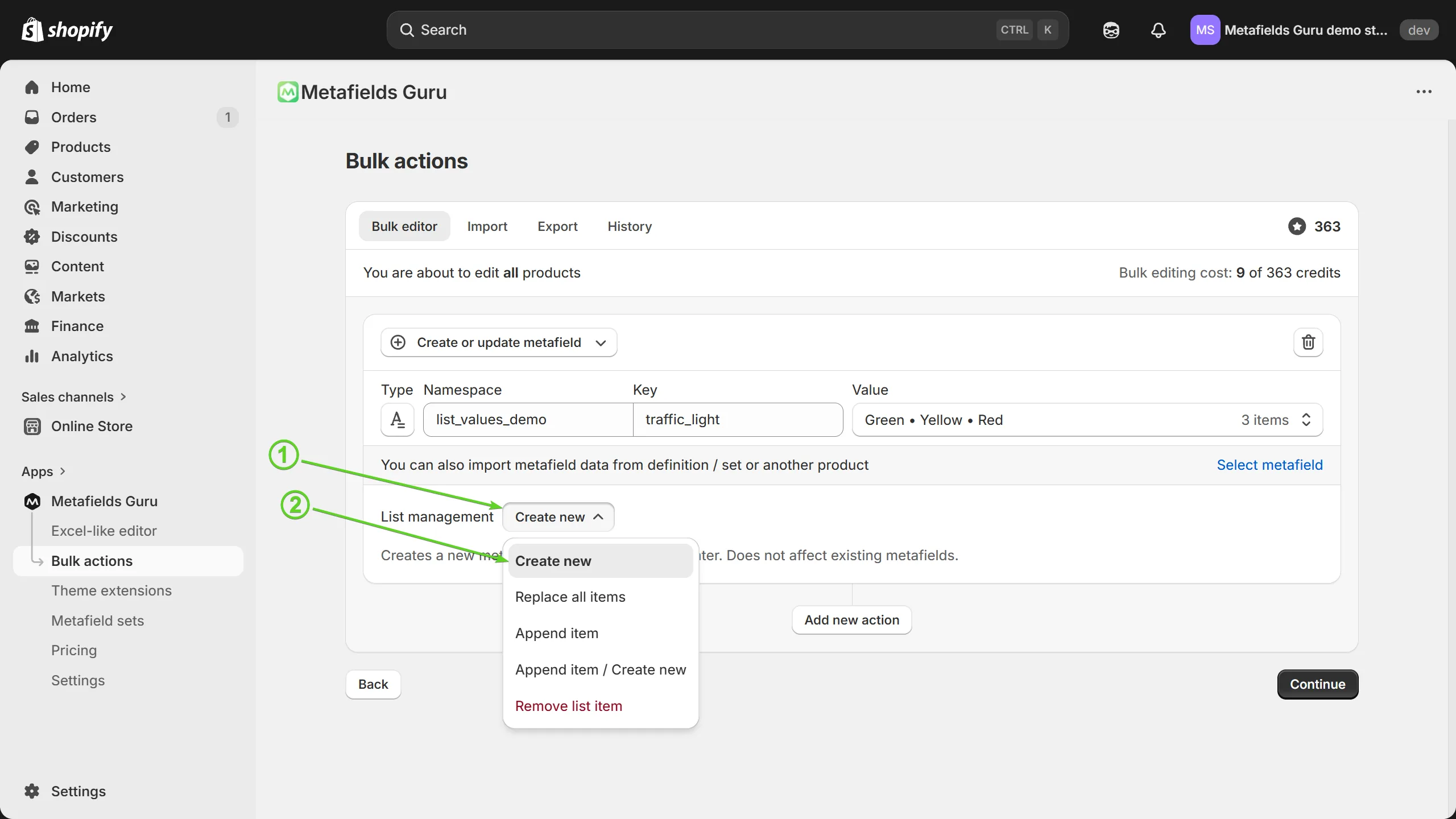
Create new
Use this option to create new metafield entries for products (or other resource types) that currently do not have values for the metafield you are working with. Metafield with the specified values will be created. Does not affect existing metafields entries.
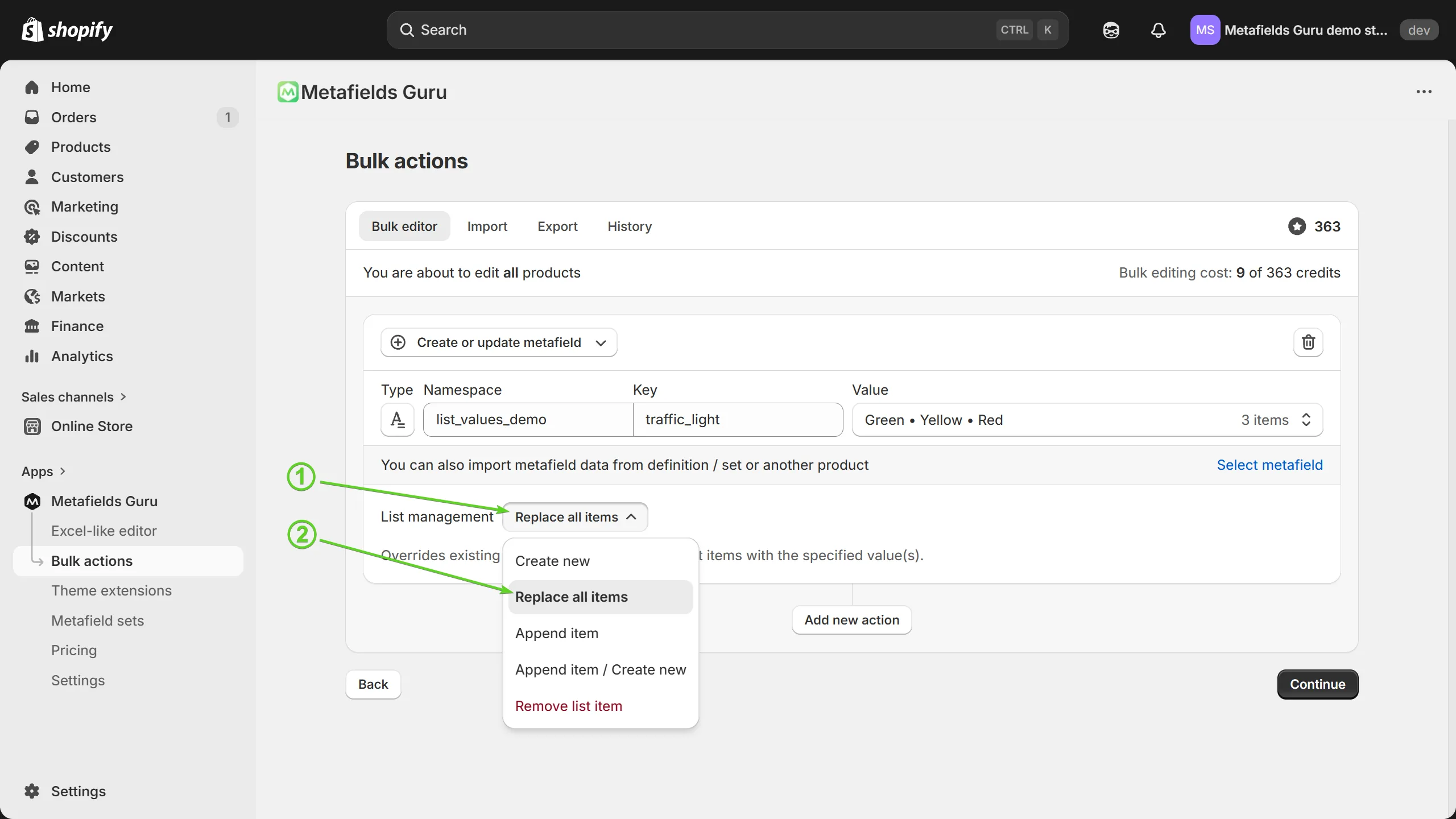
Replace all items
This option overrides all existing metafield entries with the values provided during configuration. Creates new metafield entities with the specified values for products (other resource types) that do not have the specified metafield yet.
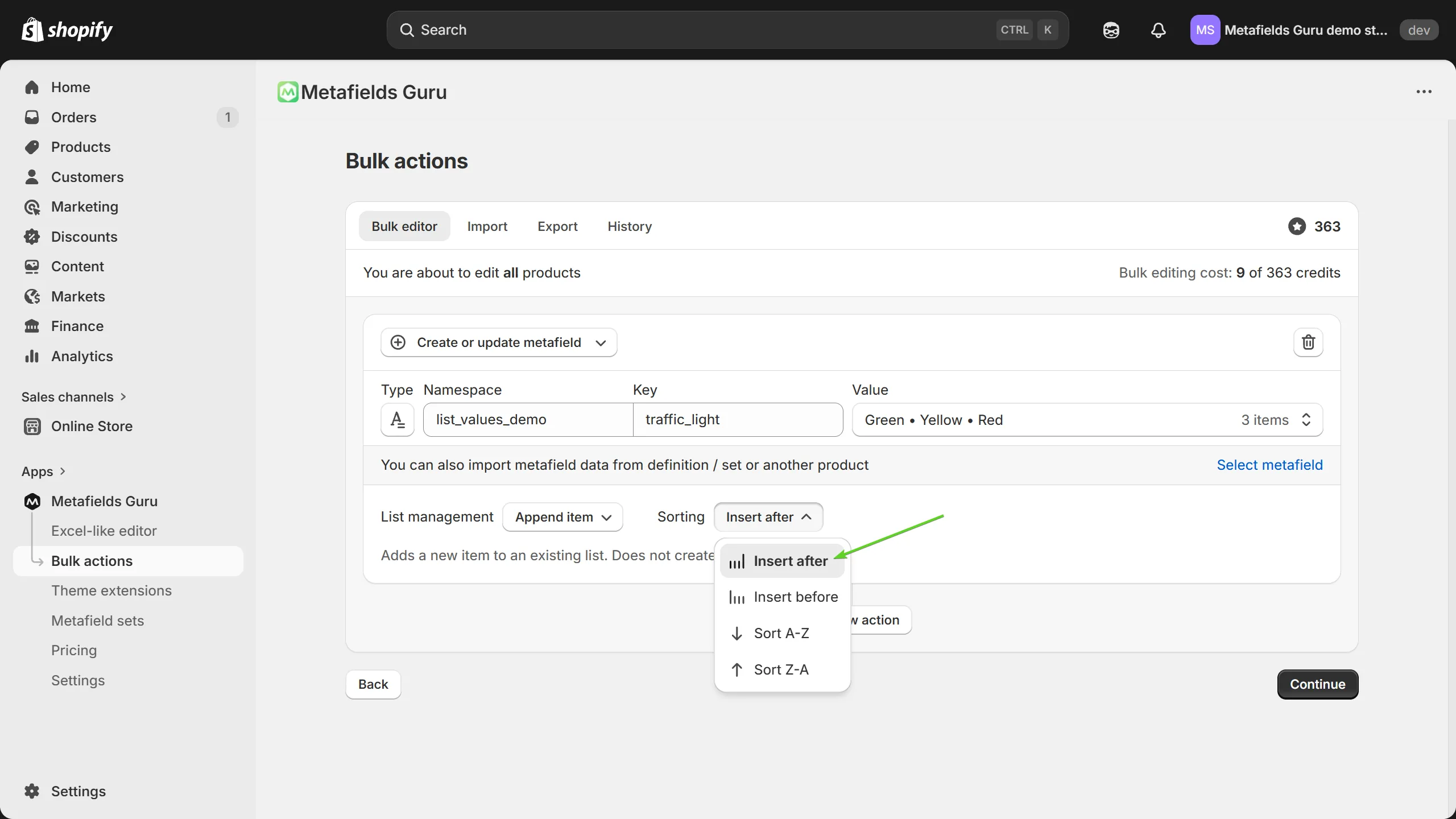
Append item
The option you should pick when you need to add a value to existing metafields. Does not override existing values or create new metafield entries.
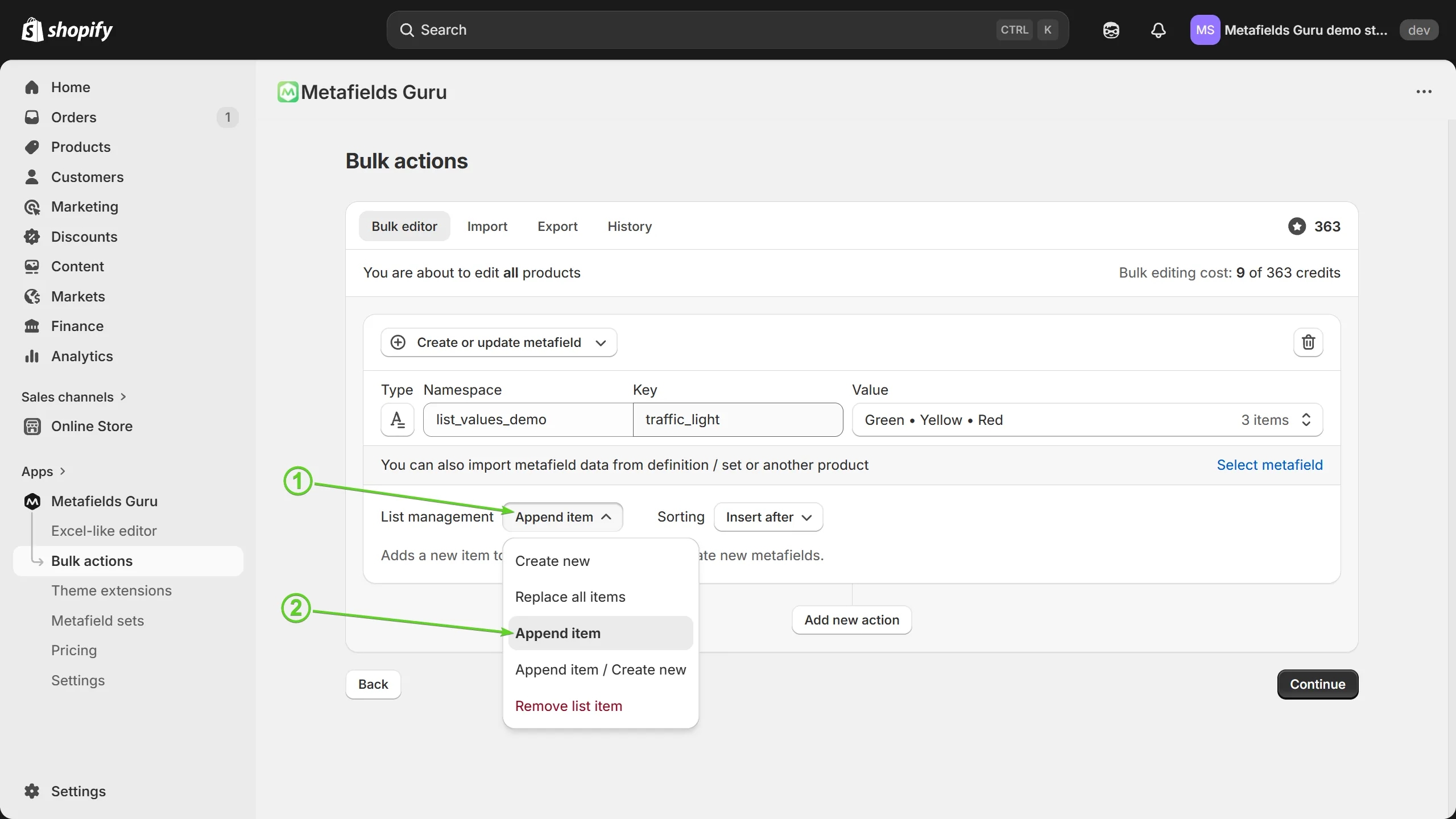
You can also specify the position where you want the new value to be positioned in the list - at the beginning or at the end - and/or sort the updated list to re-order its items:
Append item / Create new
Similarly to the previous option, allows you to add values to existing lists. Creates new metafield entities with the specified values for products (other resource types) that do not have the specified metafield yet. Does not override existing metafield entires.
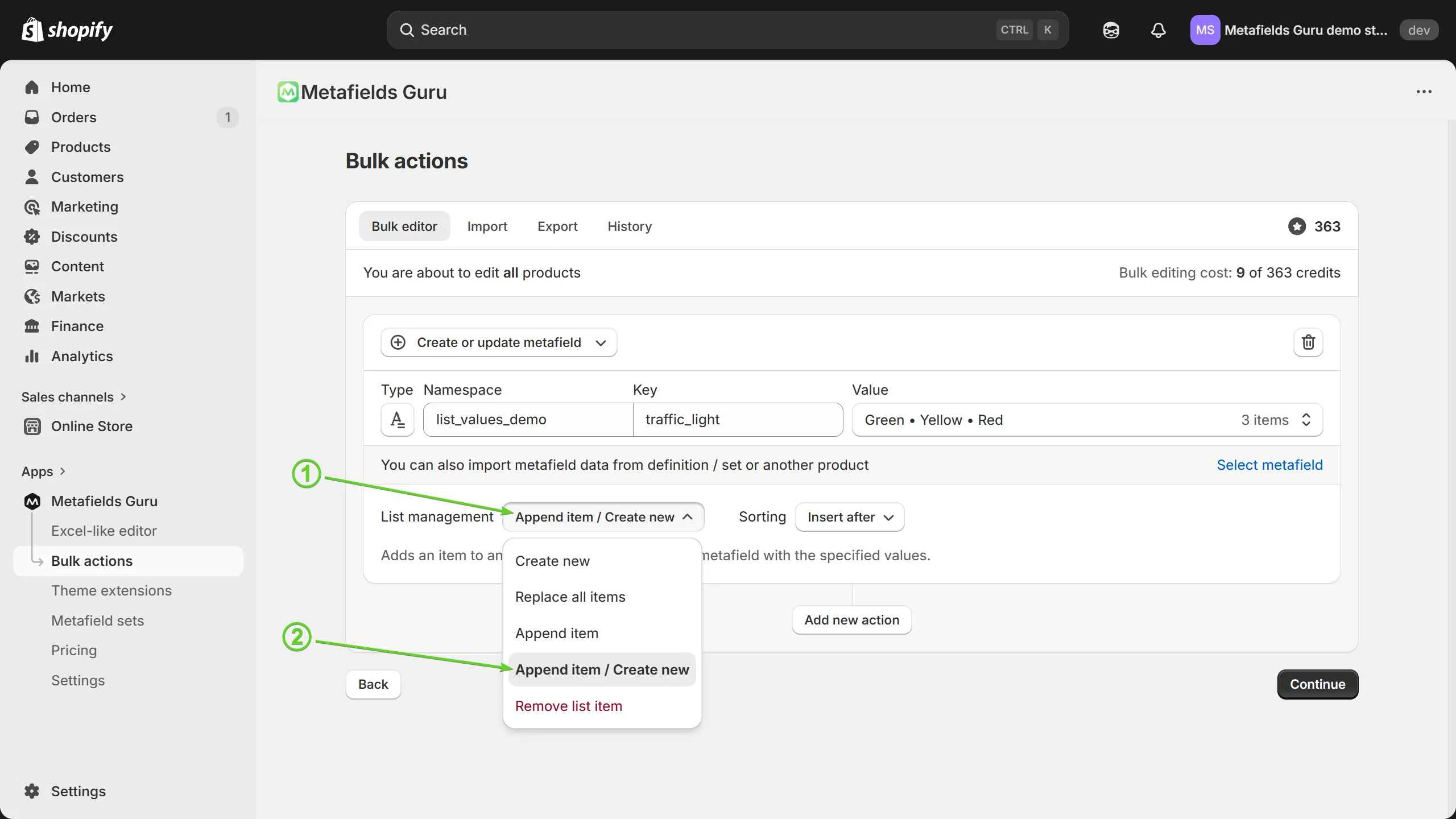
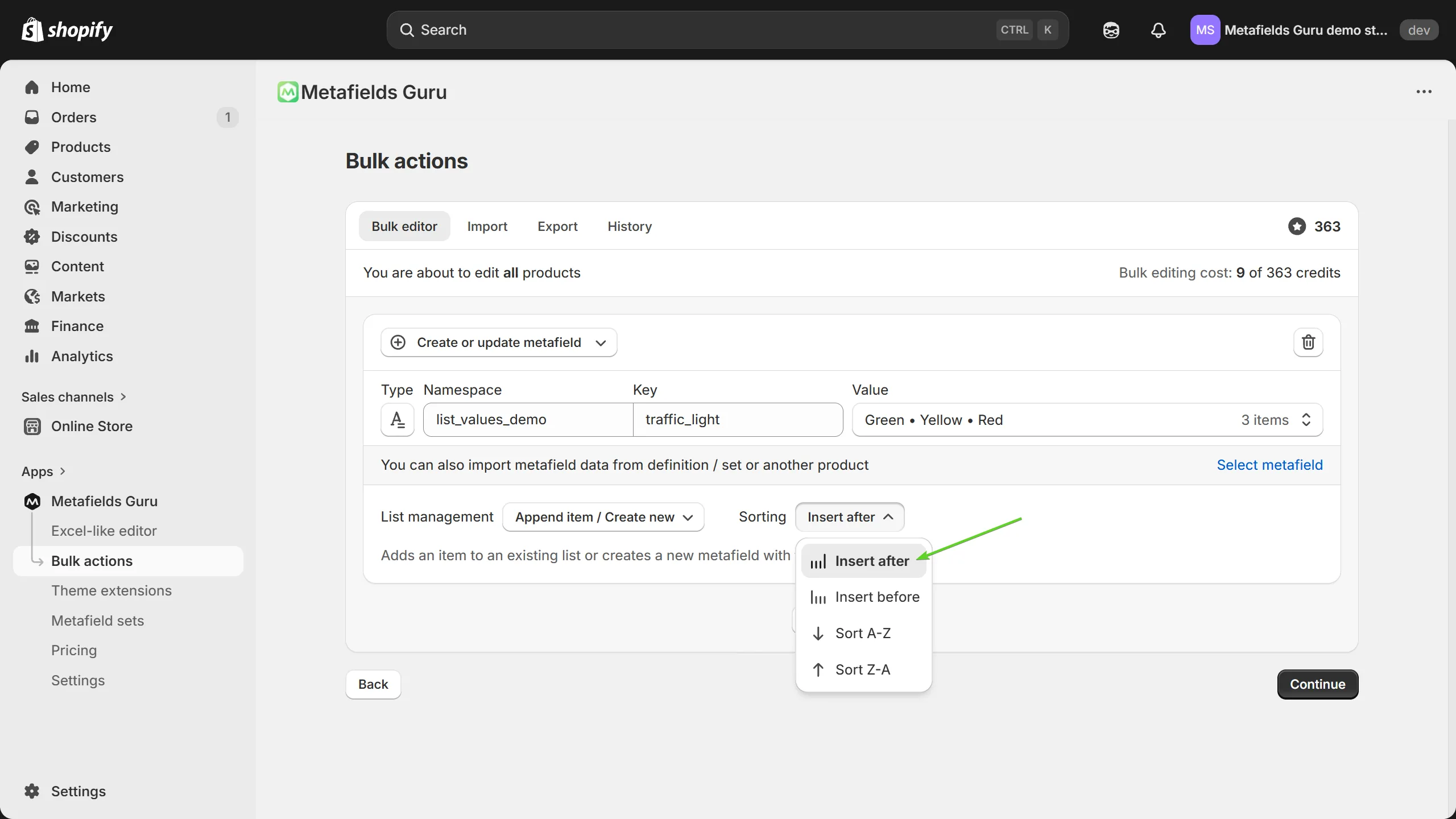
You can also specify the position where you want the new value to be positioned in the list - at the beginning or at the end - and/or sort the updated list to re-order its items:
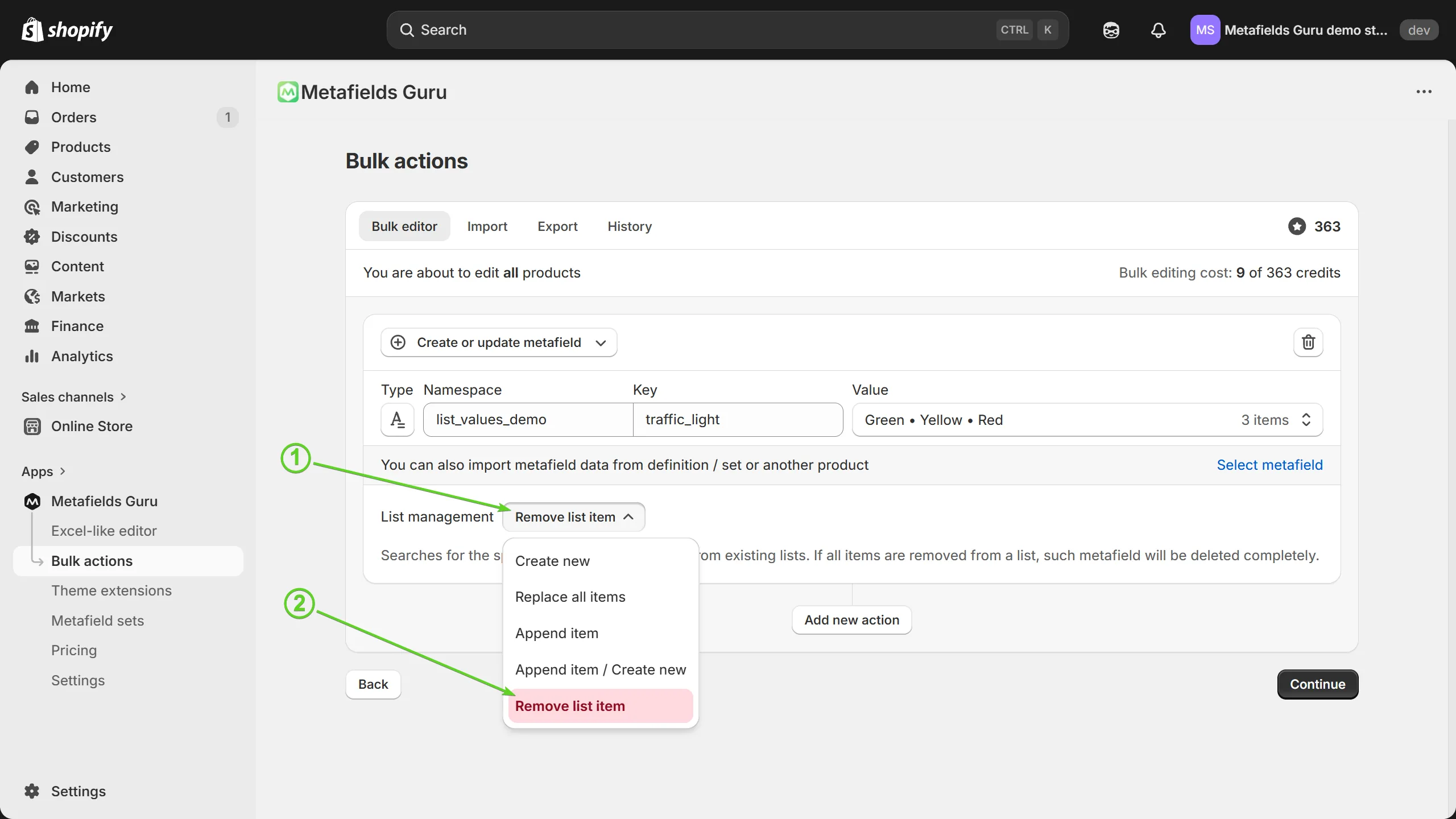
Remove list item
Removes the specified values(s) from existing metafields. Please note that if all list items are deleted, the entire metafield gets deleted too. Shopify does not support empty metafields due to the peculiarities of its data management paradigm.