Introduction
On this website, you will find a series of tutorials and articles about the benefits of Metafields Guru and metafields for your store.
Getting Started
It's safe to assume that Metafields Guru is already installed on your store. If not, follow this link to install it from Shopify's app store.
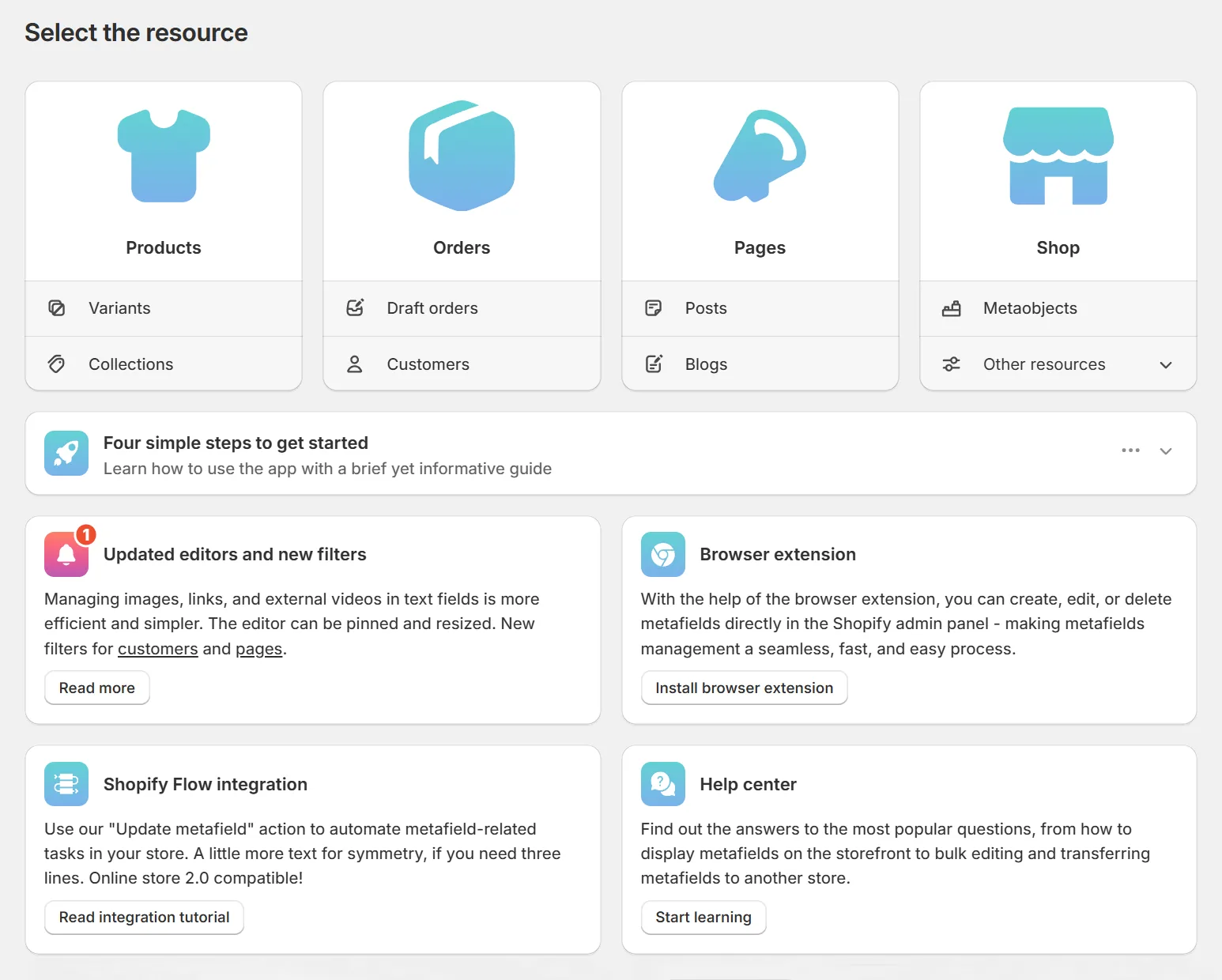
When you open Metafields Guru, you are greeted by the Home Page, where you can access metafields for different resource types, check out the latest updates, and, most importantly from the learning standpoint, see the in-app onboarding section.
This concise yet informative step-by-step guide breaks down a metafield and demonstrates how to create and display one on the storefront. A great starting point for your metafields journey.
Explore the docs
Theme extensions
Display metafield data on the storefront with no coding required - text, images, videos, ratings, and more.
Excel-like editor
Bulk-edit metafields in a spreadsheet-style grid, with copy-paste support for Excel and Google Sheets.
Bulk actions
Create, update, or delete metafields in bulk across products, collections, and other resources.
Metafield sets
Configure a metafield set once, then reuse it across products without dealing with namespaces and keys each time.
Browser extension
View and edit metafields directly from the storefront and admin panel, without switching tabs.
Shopify Flow
Automate metafield updates in Shopify Flow using the Metafields Guru custom action.
How to ... ? (Tutorials)
Practical examples of using metafields in real Shopify scenarios, from storefront display to advanced integrations.
FAQ
Answers to common questions about metafields and Metafields Guru - data safety, compatibility, SEO, API limits, and more.